
Download mAadhaar App
Official UIDAI mobile application for secure, offline Aadhaar access on your smartphone
What is mAadhaar App?
mAadhaar is the official mobile application developed by the Unique Identification Authority of India (UIDAI). It allows you to carry your Aadhaar card digitally on your smartphone, providing secure offline access to your Aadhaar information anytime, anywhere. The app is designed to make Aadhaar services more accessible and convenient for all Indian residents.
Key Features & Services
Download Aadhaar
Download your e-Aadhaar instantly
Order PVC Card
Order physical PVC Aadhaar card
Update Address
Update your address online easily
Manage Family Cards
Manage up to 6 family member Aadhaar cards
QR Code Generator
Generate Aadhaar QR code for verification
Update Mobile/Email
Update and verify mobile and email
Bank Seeding Status
Check Aadhaar bank seeding status
Update Status
Check Aadhaar update request status
Lock Biometric
Lock/unlock Aadhaar biometric data

Advantages of mAadhaar App
Carry Aadhaar Digitally
No need to carry physical Aadhaar card. Access it anytime from your phone.
Works Offline
Once downloaded, access your Aadhaar without internet connectivity.
Secure QR Code Sharing
Share your eKYC details securely through QR code without revealing full Aadhaar number.
Password Protected
Your Aadhaar data is encrypted and protected with a password/PIN of your choice.
Find Enrollment Centers
Easily locate nearby Aadhaar enrollment and update centers on the map.
Multiple Profiles
Add and manage Aadhaar profiles for your entire family in one app.
How to Download mAadhaar App
Step 1: Open Google Play Store
Open the Google Play Store app on your Android smartphone or tablet.
Step 2: Search for mAadhaar
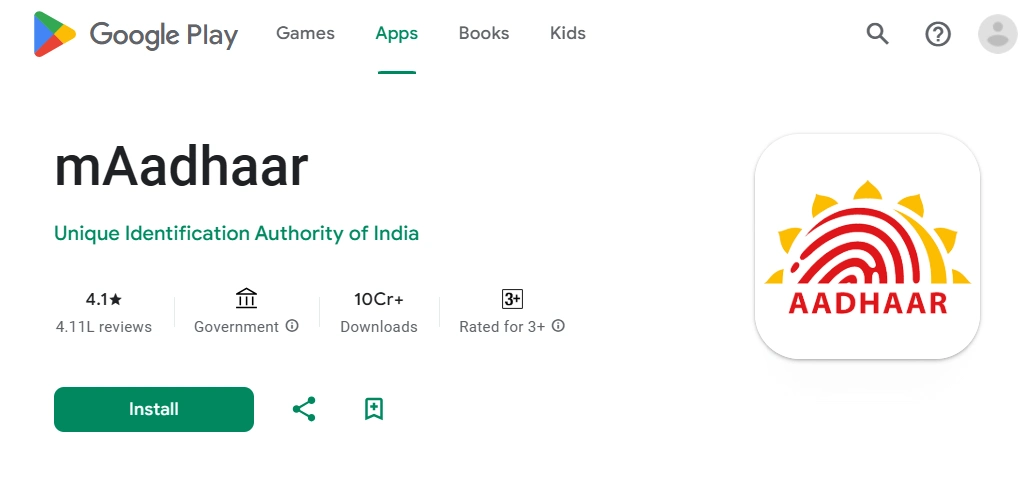
In the search bar, type "mAadhaar" or "mAadhaar UIDAI" and search. Look for the official app published by "Unique Identification Authority of India (UIDAI)".
Step 3: Install the App
Tap on the "Install" button. The app will download and install automatically on your device.
Step 4: Open and Set Up
Once installed, open the app and follow the on-screen instructions to set up your profile and add your Aadhaar.
System Requirements:
- Android 5.0 or higher
- Minimum 50 MB free storage space
- Active internet connection (for initial download and profile setup)
- Registered mobile number linked with Aadhaar
How to Use mAadhaar App
1. Set Up Password/PIN
When you first open the app, you'll be prompted to create a password or PIN. This will be used to secure your Aadhaar data. Choose a strong password and remember it.
2. Add Your Aadhaar Profile
Tap on "Add Profile" or the "+" icon. Enter your 12-digit Aadhaar number and the captcha code displayed. An OTP will be sent to your registered mobile number. Enter the OTP to verify and download your Aadhaar profile.
Note: Your mobile number must be linked with your Aadhaar to receive the OTP.
3. View Your Aadhaar
Once added, you can view your Aadhaar details anytime by opening the app and entering your password/PIN. The app works offline, so no internet is needed after the initial download.
4. Share eKYC via QR Code
To share your Aadhaar details securely, tap on "Share" and generate a QR code. The recipient can scan this QR code to verify your details without seeing your full Aadhaar number.
5. Update Your Profile
Use the app to update your address, mobile number, or other details. The app will guide you through the update process and help you book appointments at enrollment centers if needed.
6. Find Enrollment Centers
Tap on "Locate Enrollment Center" to find nearby Aadhaar centers on the map. You can get directions and contact information for the centers.
Frequently Asked Questions
Ready to Get Started?
Download the official mAadhaar app today and enjoy secure, offline access to your Aadhaar on your smartphone.
Download from Play Store